Products, recipes, and costing
Build products, attach recipes, calculate COGS, and keep menu margins connected to real purchase costs.
Updated July 2, 2026
Products and recipes connect what you sell to what you buy. CafeTally uses ingredients, units, recipes, modifiers, and selling prices to calculate product cost and margin.
Demo frames
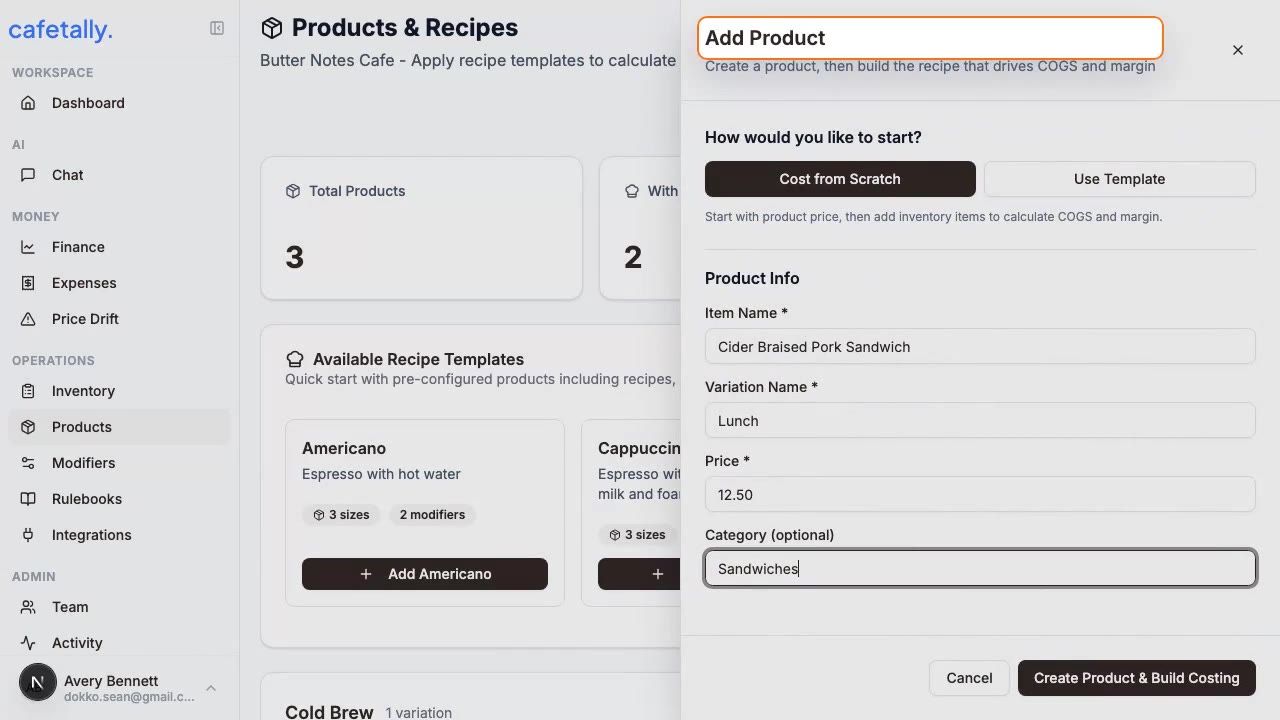
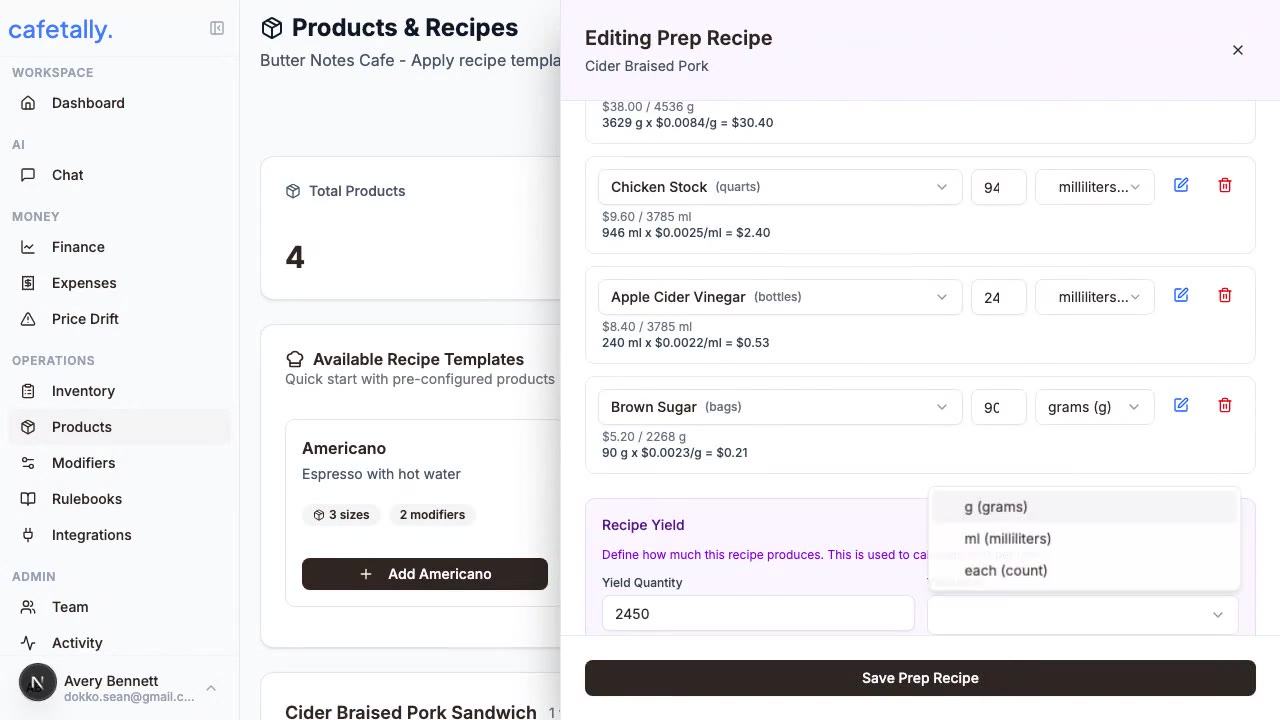
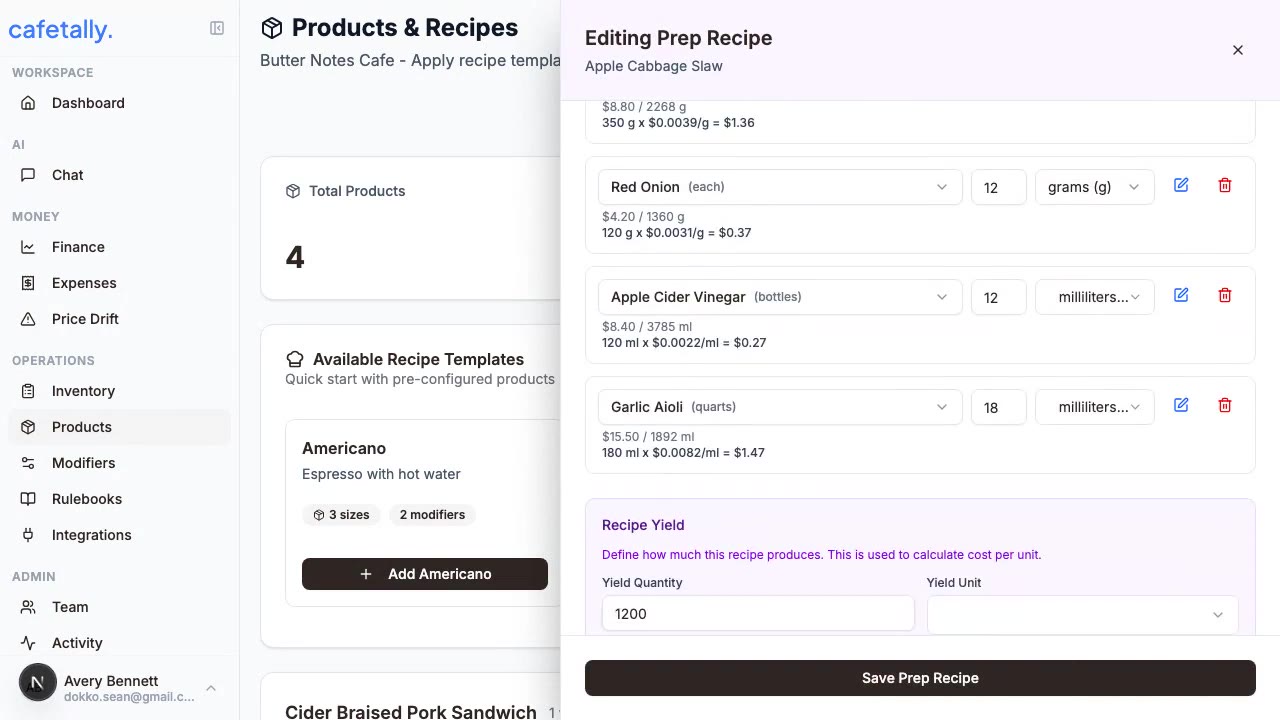
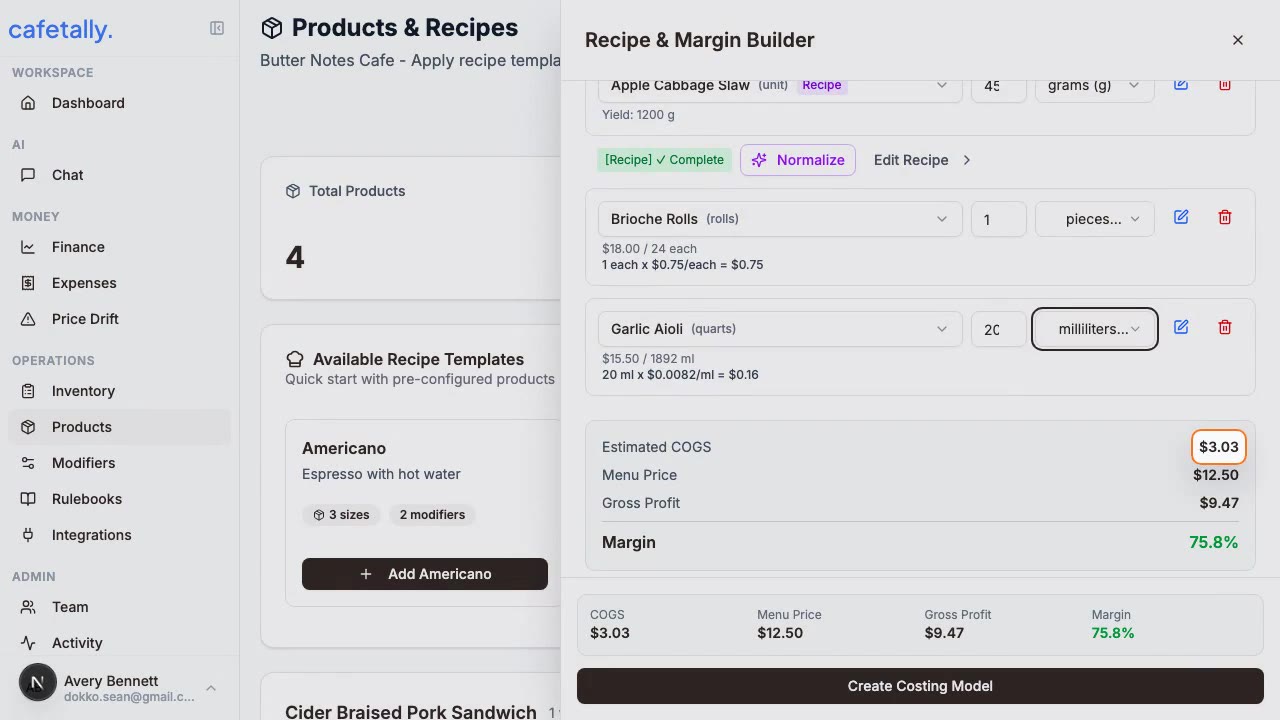
Product workflow
- Open
Dashboard > Products. - Select the store you want to manage.
- Add or import the menu products that need costing.
- Add a selling price for each product.
- Build the recipe from inventory items or supplier line items.
- Review COGS, margin, and products that need attention.
Ingredients and units
An ingredient should represent a real purchased item whenever possible. Use purchase units for how the item is bought, such as case, bag, pound, gallon, or each. Use recipe units for how the item is consumed in a recipe, such as ounce, gram, milliliter, shot, scoop, or unit. Add conversions when the purchase unit and recipe unit are different.
Recipes
A recipe is a list of ingredients and quantities for a product. Use templates for repeatable product families, such as latte sizes or modifier patterns. Use nested recipes when a prep item becomes an ingredient in other products. Review recipe output after applying templates because store-specific ingredient names may need alias matching.
Modifiers
Modifiers capture product changes that affect cost, price, or both. Examples include milk alternatives, extra espresso, syrups, toppings, and size changes. Attach modifier groups when a product has predictable options. Use templates when the same modifier structure applies across many products.
Margin review
Margin review is only as accurate as the underlying selling price, ingredient cost, and unit conversion. When a product looks wrong, check those three areas before changing the recipe. Use receipts and expense matching to keep ingredient base costs current.