Square integrations
Connect Square, use catalog and location data, and support inventory workflows that depend on POS activity.
Updated July 2, 2026
Square is the primary POS integration for CafeTally. It can support catalog-aware workflows, sales-informed reporting, location mapping, and scheduled inventory automation.
Demo frames
Connect Square
- Open
Dashboard > Integrations. - Start the Square connection flow.
- Authorize the Square account that owns the cafe locations.
- Confirm location access after returning to CafeTally.
- Review any catalog or inventory workflows that depend on Square data.
Locations
Square location mapping matters for multi-location teams. Confirm each CafeTally store maps to the intended Square location before relying on sales, catalog, or inventory updates. If location data looks wrong, disconnecting and reconnecting is less useful than verifying the selected Square location IDs.
Catalog usage
Square catalog data can help align products, modifiers, and sales activity. CafeTally still needs ingredient costs, unit conversions, and recipes to calculate accurate COGS. Use Square as the source of what is sold, then use CafeTally as the source of how those products are costed.
Inventory automation
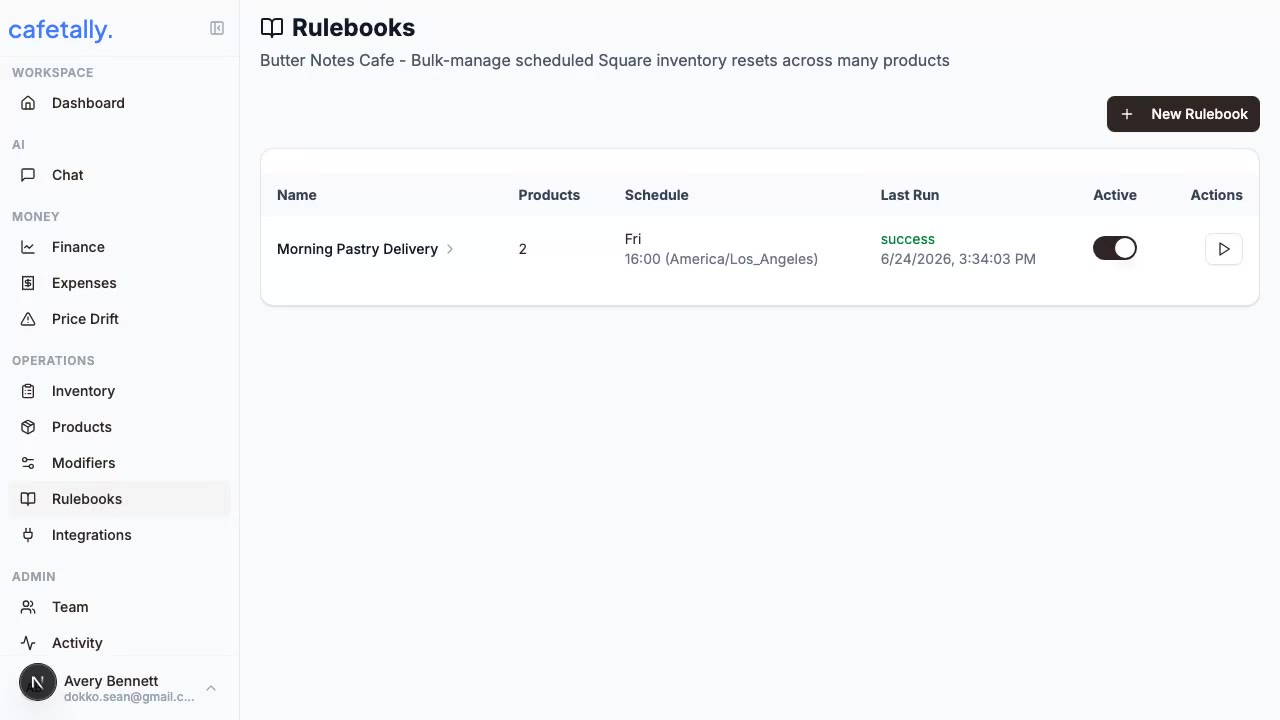
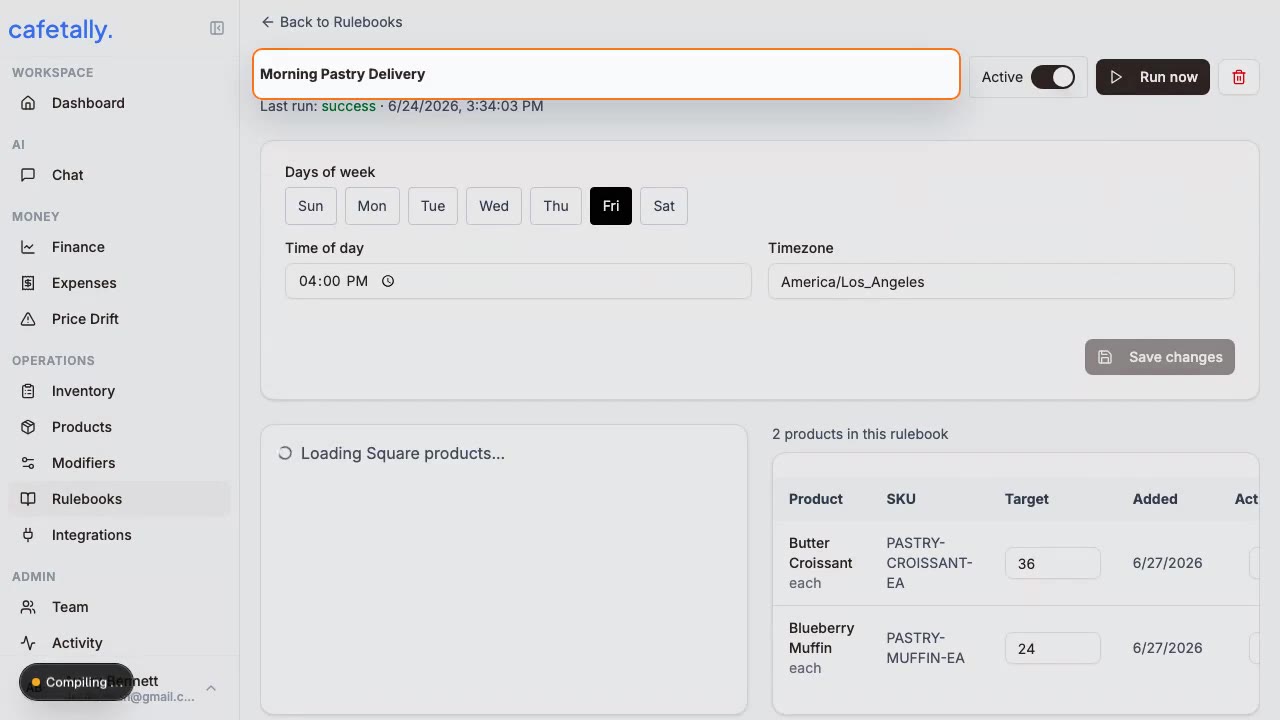
Rulebooks can use Square connectivity for scheduled inventory resets across selected products. Do not enable automation until the selected products, locations, and schedule have been reviewed. Use a narrow rulebook first, confirm the result, then expand automation once the pattern is trusted.
Troubleshooting
If Square appears disconnected, check the integration status in the dashboard. If products are missing, confirm the Square account and location are correct. If an automation does not run, check the rulebook schedule, Square connection, and selected products.