Rulebooks and automation
Create scheduled operational rulebooks for repeated Square inventory updates and recurring stock routines.
Updated July 2, 2026
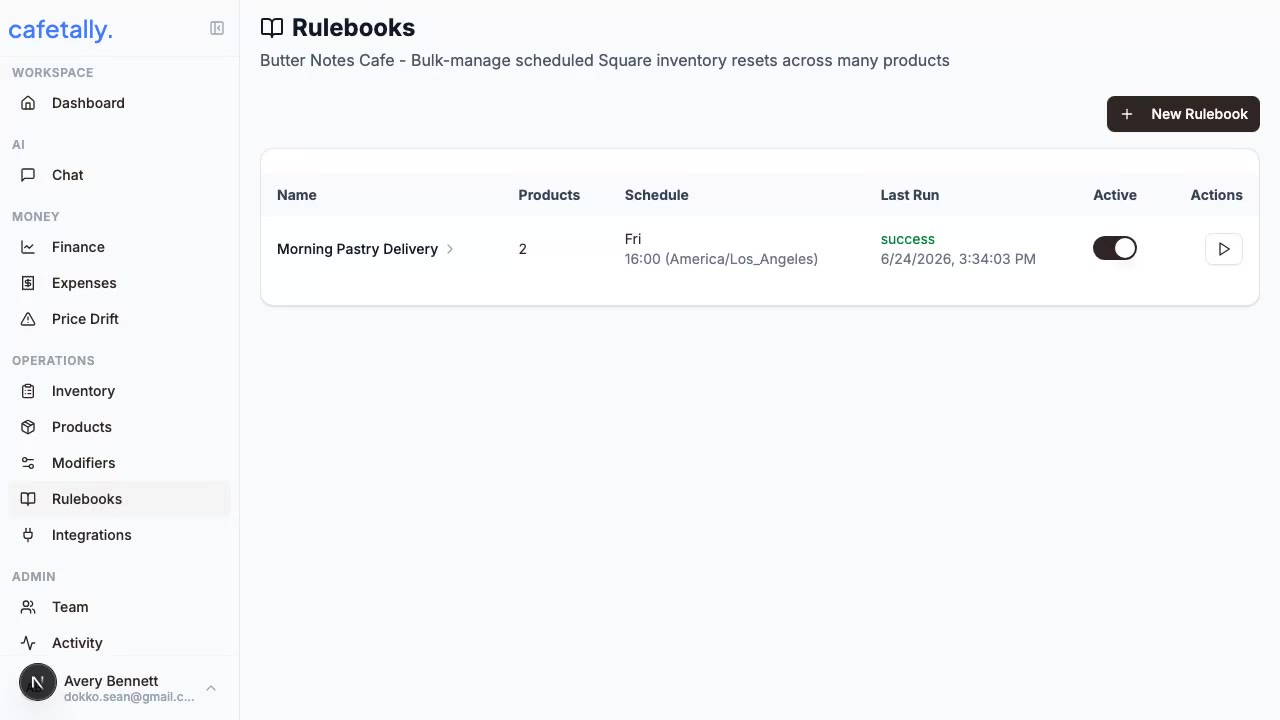
Rulebooks are scheduled automation plans for repeated operational work. The current rulebook workflow focuses on bulk-managing Square inventory resets across many products.
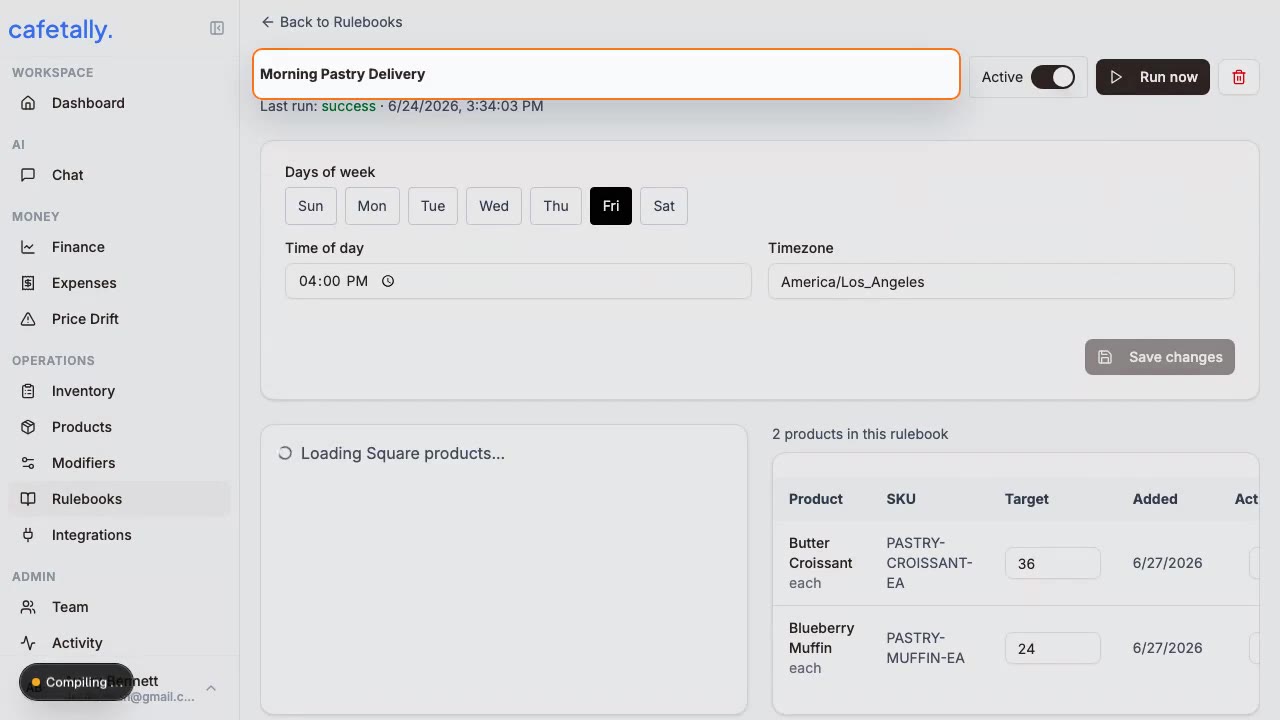
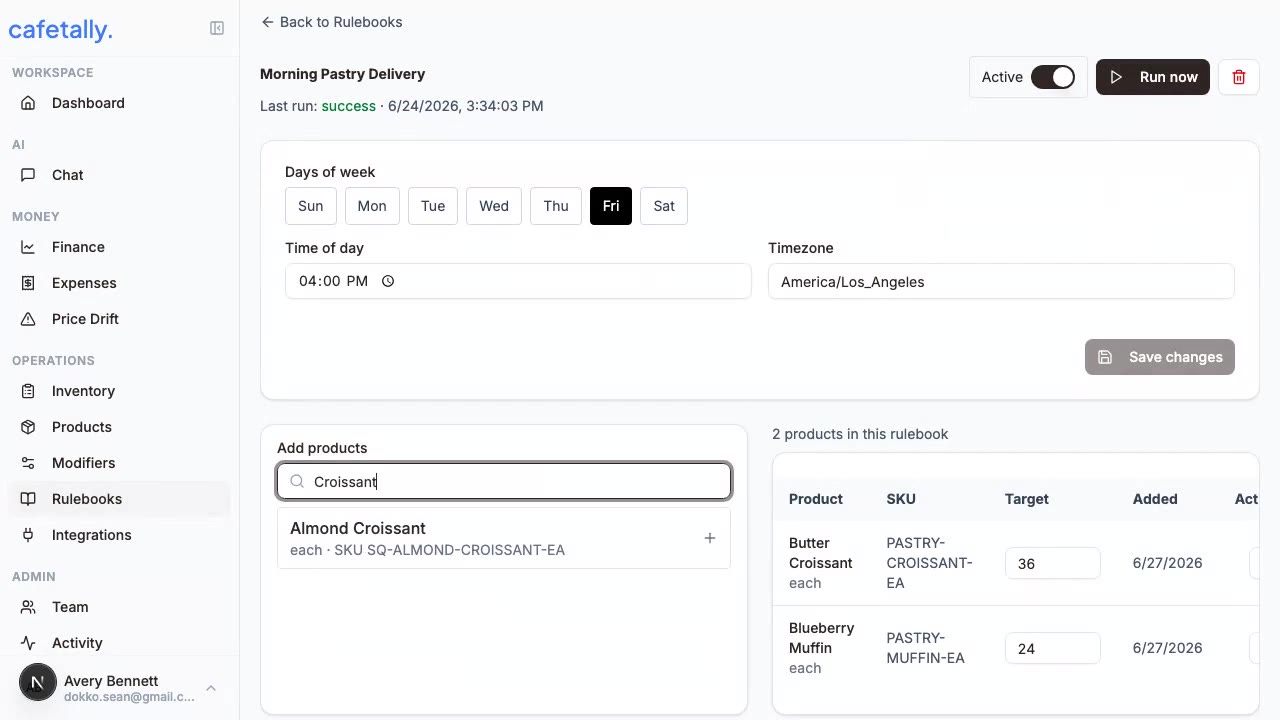
Demo frames
When to use rulebooks
Use a rulebook when the same action happens on a predictable schedule. Examples include resetting displayed inventory before a sales window, preparing limited-run product counts, or clearing stock for items that are remade daily. Do not use a rulebook for one-off corrections because manual review is safer for unusual changes.
Create a rulebook
- Open the store dashboard and go to
Rulebooks. - Confirm Square is connected for the store.
- Create a new rulebook.
- Select the products the rulebook should manage.
- Configure the schedule.
- Review the affected products before saving.
Scheduling
Schedules should match the operational moment when the update is needed. Use clear names that describe the job, the affected products, and the timing. Keep the first schedule conservative until the team confirms the automation behaves as expected.
Review and maintenance
Review rulebooks after menu changes, seasonal product launches, or Square catalog cleanup. Remove products from a rulebook when they are no longer sold or should no longer be reset automatically. Pause or delete a rulebook before changing many catalog items at once.
Failure checks
If a rulebook is not updating products, confirm Square is connected and the store has the correct location. Check that selected products still exist in Square. Confirm the schedule is active and the expected run time has passed.